 Cinewide
Black bars gone. Nothing cropped.
Films shot wide deserve your whole ultrawide. Cinewide finds the black bars baked into a video and takes them out, without cutting the picture.
Coming to the Chrome Web Store
Where the bars come from
-
16:9 on a 21:9 screen
Your screen is wider than the video. Bars fill the sides.
-
A 2.39 : 1 film inside a 16:9 video
The film’s own bars are baked into the video. Bars on all four sides.
-
After Smart
The baked-in bars are gone. The film spans your screen, uncut.
Press once. Watch the bars go.
Open a video on YouTube, Vimeo, Twitch or another site.
Press Smart: these keys, the button on the video, or the Cinewide icon.
AltShiftS On a Mac ControlShiftS
Press again, and the video is as it was.

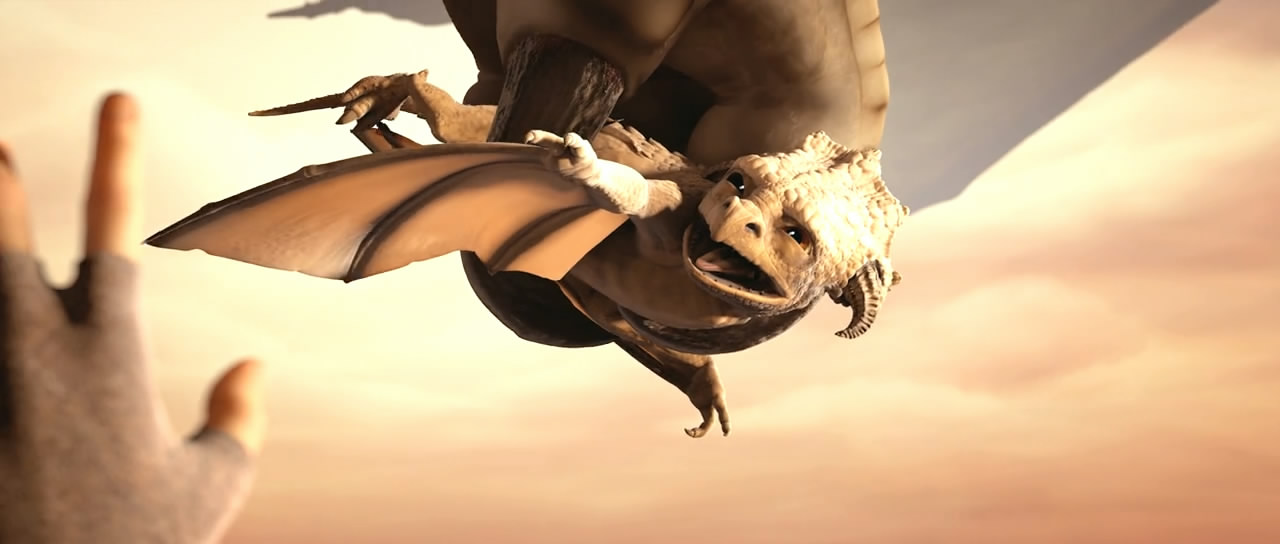
The pictures are illustrations made from stills of the film Sintel, not screenshots. Sintel: © Blender Foundation, www.sintel.org, CC BY 3.0.
Four ways to fit
Smart
Removes the bars hiding inside the video. Keeps the whole picture.
Fill
Fills the screen edge to edge. Crops the picture's edges, and tells you so.
The ratio key
For protected streams Cinewide can't see into: 2.39, 2.0, 1.85, 16:9.
Adjust
Zoom and move the picture by hand, on top of any mode.

- No analytics.
- No account needed.
- No frame ever leaves your browser.
Pricing
Free
Every mode. Every site. For good.
$0 no time limit
- Smart, Fill, the ratio key and Adjust.
- On every site, with no limit of time or use.
- One site choice and one preset.
- No account needed.
Pro
Let Cinewide do it for you.
$14.99 a year
- Auto Apply: Cinewide applies itself automatically on the sites you turn on.
- Site choices and presets with no limit.
- Sync across all your computers.
- Try it free for 7 days, once, with no card.
An account is needed only for the trial, for Pro and for sync. Prices are in US dollars. Tax may be added at checkout, depending on your country. Every detail is in the Terms.